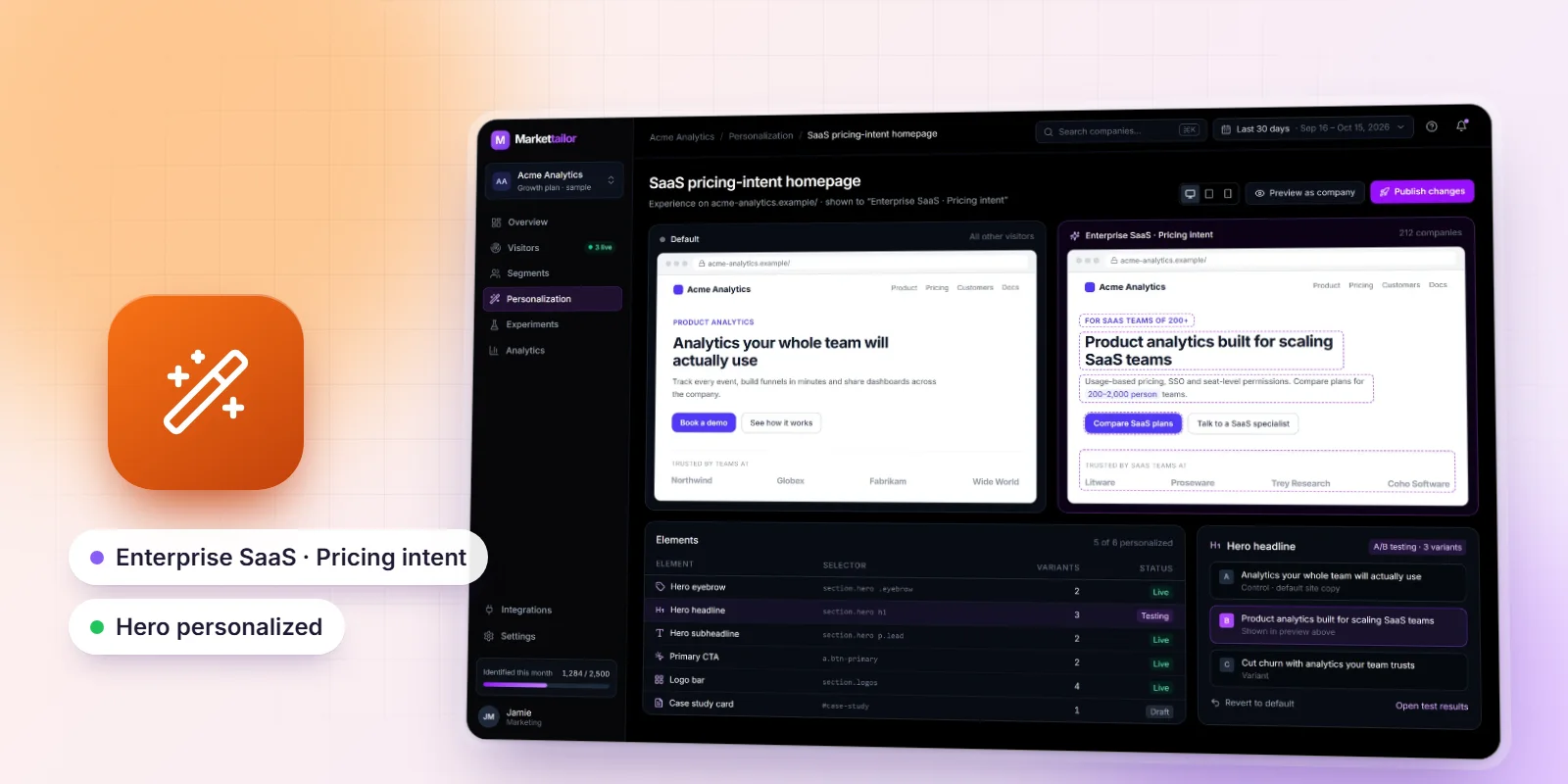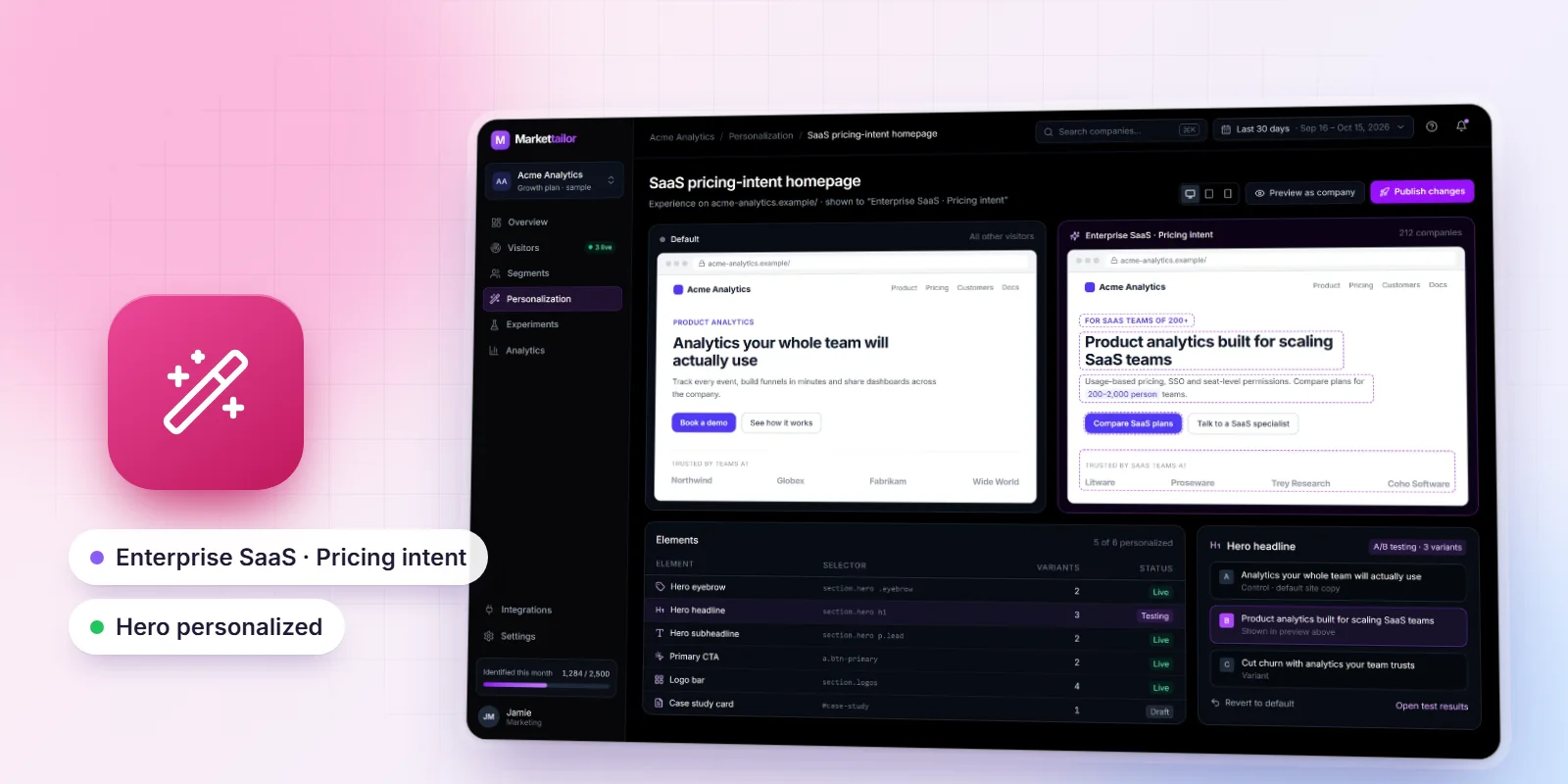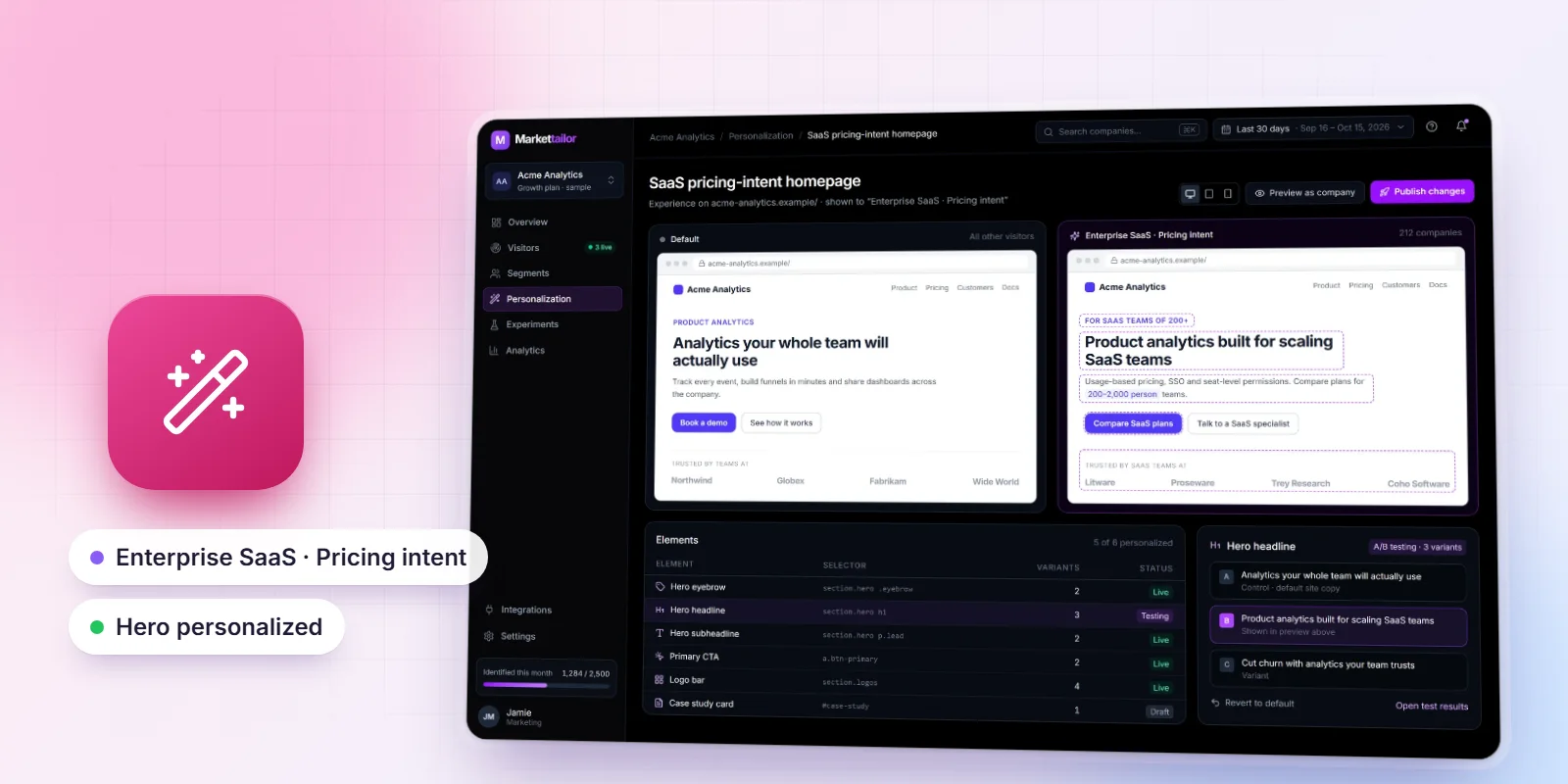

A personalization engine is the software that decides, for each visit, which version of a page element to show and then delivers it. It takes what is known about the visitor (where they came from, what they did on the site, and in B2B, which company they work for), matches that against rules or a model, and swaps the headline, proof, call to action or offer before the visitor has read the page. Everything else people call personalization software, the visual editor, the segment builder, the reports, sits around that decision.
This post explains how a personalization engine works, part by part, how it differs from a personalization platform, a CDP and an A/B testing tool, when rules beat machine learning, and what to ask before you buy one for a B2B website.
What Is a Personalization Engine?
Most published definitions come from e-commerce. TechTarget, for example, describes a personalization engine as "a tool used by businesses to collect and analyze customer behavior and data" to build a customized experience, with product recommendations and offers as the typical output. That is accurate for a retailer with millions of shoppers and a catalogue of thousands of products.
A B2B website is a different problem. There are few products, a long buying cycle, a committee of buyers, and most visitors never log in or fill in a form. So the B2B version of the definition is narrower and more practical:
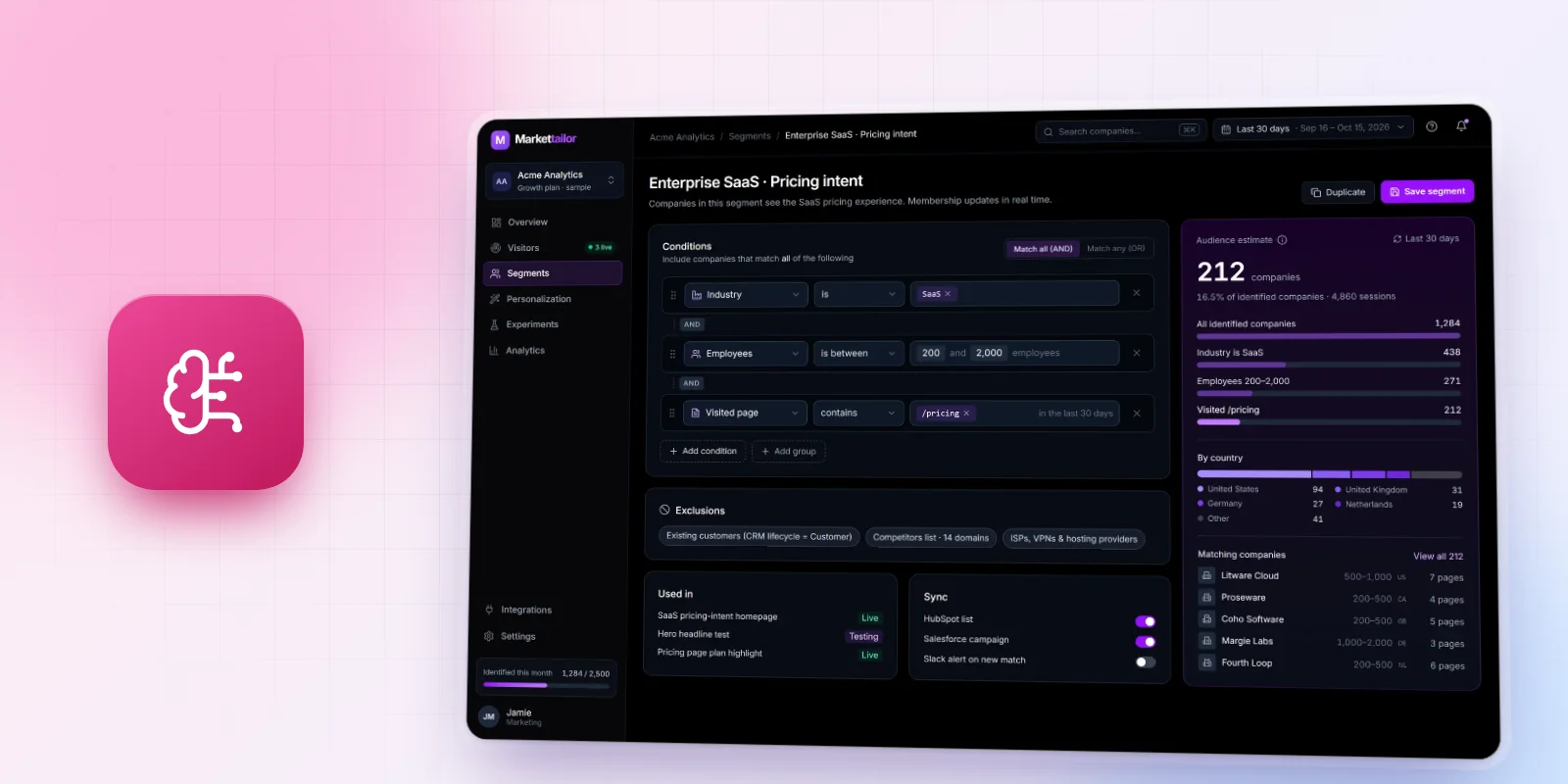
A B2B personalization engine identifies the company behind a visit (or reads the campaign that brought it), places the visit in a segment, and changes a small number of page elements for that segment, while everyone else sees the default page.
The output is rarely a product recommendation. It is an industry headline, a case study from a look-alike company, a pricing note for enterprise buyers, or a stronger call to action for an account that has been on the pricing page three times this week.
How a Personalization Engine Works: Four Parts
Every engine, whatever the vendor calls it, does the same four jobs. When you evaluate one, check each job separately, because a tool can be strong at one and weak at another.
1. Data in: what the engine knows about the visit
The engine can only decide on what it can see at the moment the page loads. For B2B websites, the useful inputs are:
- Campaign context: UTM parameters, the referring site, the ad or keyword. Available for every paid click, identified or not.
- Company data: the organization behind the visit, resolved by reverse IP lookup and enriched with industry, employee count and location. Available only for visits that resolve to a company.
- Behaviour on your site: pages viewed, return visits, pricing or comparison page views, in this session and earlier ones.
- Your own lists: target accounts, open opportunities and customers from the CRM.
2. Decisioning: which experience this visit gets
Decisioning is the core of the engine. It takes the inputs and returns one answer: which variant to show. There are two ways to do it.
- Rules. A marketer writes conditions such as "industry is Logistics and employee count is 200 to 1,000" and attaches content to them. Rules run in a priority order, and the first match wins.
- Models. A machine-learning model learns which variant performs best for which kind of visitor and allocates traffic accordingly. Recommendation engines and multi-armed bandits work this way.
The important detail is the priority order. A visit can match several rules at once (a target account that is also in healthcare and arrived from a LinkedIn ad). The engine needs a clear rule for which one wins, and you need to be able to see it.
3. Delivery: changing the page
Once the decision is made, the engine has to render it. There are three places this can happen:
| Where it runs | How it works | Trade-off |
|---|---|---|
| Client-side (browser script) | A script on the page calls the engine and swaps elements after the page starts loading | Easiest to install on any CMS; can cause a visible flash of the default content if it is slow |
| Server-side | Your server asks the engine for a decision and renders the right variant in the HTML | No flicker; needs developer work and a CMS that supports it |
| Edge (CDN worker) | A worker at the CDN edits the HTML on the way to the browser | Fast and invisible to the visitor; depends on your CDN and adds caching complexity |
Delivery also decides what search engines see. Crawlers should get the complete default page, never a stripped-down version. Our post on how personalization affects SEO covers the cloaking rules.
4. Measurement: did the decision help?
An engine that cannot tell you whether its decisions worked is a content swapper, not an engine. The minimum is a holdout: a random share of each segment that keeps seeing the default page, so you can compare conversion between the personalized and default groups. Without it, any lift you report is mixed up with seasonality, campaign changes and sales activity.
A Worked Example: One Visit Through the Engine
An illustrative example, with a fictional company. A visitor lands on the homepage from an organic search. The engine runs through its steps in a fraction of a second:
- Data: the IP resolves to Northwind Logistics, 350 employees, Netherlands. No UTM parameters. The CRM list shows Northwind as a tier 2 target account. Second visit this week; the first included the pricing page.
- Decisioning: four rules exist, in this order: open opportunity, tier 1 account, logistics industry, returning visitor who viewed pricing. Northwind is not tier 1 and has no open opportunity, so the logistics rule is the first match.
- Delivery: the hero headline changes to the logistics version, the logo bar shows logistics customers, and the call to action stays the default "Book a demo". The rest of the page is unchanged.
- Measurement: the logistics rule has a 10% holdout. This visit was not in it, so it is counted in the personalized group for that segment.
Notice what the engine did not do. It did not stack every matching rule onto the page, and it did not show the company name. One clear rule, a few elements, a measured result. Our post on managing personalization rules at scale covers how to keep that discipline when there are dozens of rules.
Personalization Engine vs Platform vs Other Tools
"Personalization engine", "personalization platform" and "personalization software" are often used for the same products. The distinction that helps when buying is between the decision core and everything built around it.
| Tool | What it does | Decides what each visitor sees? |
|---|---|---|
| Personalization engine | Takes visit data, picks a variant, delivers it | Yes, that is its job |
| Personalization platform | An engine plus the tools around it: visitor identification, segment builder, visual editor, testing and reporting | Yes |
| A/B testing tool | Splits traffic randomly between versions to find the best one for everyone | Randomly, not by who the visitor is (unless it has targeting) |
| Customer data platform (CDP) | Collects and unifies customer data from many sources into profiles | No, it feeds an engine |
| Recommendation engine | Ranks products or content for a known user from behaviour | Yes, but for item lists, mostly in e-commerce and media |
| Visitor identification tool | Resolves anonymous visits to companies | No, it supplies company data |
For most B2B teams, a standalone engine is not the right purchase. You need identification to know who the visitor is, an editor so marketing can write variants without a developer, and testing so you can prove the result. That combination is what people usually mean by a B2B personalization platform. Our comparison of B2B website personalization tools lists the options, with prices where vendors publish them.
Rules or Machine Learning: What Works on B2B Traffic
Vendors sell AI decisioning hard. Our view: on most B2B websites, rules written by people who know the buyers beat models, at least for the first year.
The reason is volume. A model learns which variant works for which visitor by seeing many conversions. For example, a B2B site with 20,000 monthly visits and a 1% demo rate produces about 200 demo requests a month across all segments. Split that across five segments and four variants and each cell gets a handful of conversions, far too few for a model to learn anything reliable. A rule such as "show healthcare proof to healthcare companies" needs no training data; it only needs a holdout to confirm it helps.
Machine learning earns its place in specific jobs:
- Classifying data the engine uses. Mapping messy company descriptions to clean industries, or grouping behaviour into intent levels. This is where AI helps B2B personalization most.
- Content recommendations on large content libraries. If you have hundreds of articles and enough readers, a model can rank "read next" links better than a fixed list.
- Traffic allocation on high-volume pages. Bandit-style allocation can shift traffic towards a winning variant faster than a fixed split, if the page has the traffic.
If a vendor's pitch is "the AI decides", ask what it optimizes for, how many conversions it needs per segment, and whether you can see and override its choices.
How to Evaluate a Personalization Engine for B2B
Use these questions in every demo. Ask the vendor to show the answer on your own website, not on a prepared demo site.
- What data is available at first page load? Can it identify the company on the first visit, read UTM parameters and use your CRM account list, all in the same rule?
- How is the priority order set and shown? When a visit matches three rules, can you see which one won and why?
- What happens when nothing matches, or the engine is slow? The default page must load in full. Ask for the timeout behaviour.
- Is there flicker? Load a personalized page on a throttled mobile connection and watch the hero.
- Is a holdout built in? Per segment, with results reported as personalized vs default, not just "conversions on personalized pages".
- Who can edit content? If every variant needs a developer, the programme will stall after the first few rules.
- What is stored about people? Company-level identification is a different privacy question from individual tracking. Get the answer in writing.
Markettailor is built around these questions for B2B sites: it identifies the company behind a visit through visitor identification, lets you build rules by industry, company size, location and behaviour in the segment builder, changes page content with a visual editor, and measures each segment against a control with built-in A/B testing.
Common Mistakes With Personalization Engines
- Buying the engine before choosing the first use case. Decide which segment gets which change, and how you will measure it, before the demo. Otherwise every feature looks useful.
- Too many rules too soon. Ten overlapping rules produce results nobody can explain. Start with two or three segments that would change what sales says.
- No owner for content. Variants go stale: last year's case study, an old product name. Every rule needs a person who reviews it each quarter.
- Measuring clicks instead of pipeline. A headline can lift clicks on the call to action and still not produce more meetings. Track the downstream metric for each segment.
If you are starting from zero, our guide to website personalization types and examples covers which use case to build first, and dynamic content examples shows what the swapped elements look like on real page sections.
Frequently Asked Questions
What is a personalization engine?
A personalization engine is software that decides what each website visitor sees, based on data about the visit, and delivers that version of the page. It has four parts: data inputs, decisioning (rules or models), delivery (client-side, server-side or at the edge) and measurement against a control group.
What is the difference between a personalization engine and a personalization platform?
The engine is the decision core: it picks the variant. A personalization platform wraps the engine in the tools a marketing team needs to use it, such as visitor identification, a segment builder, a visual editor, A/B testing and reporting. In practice, most products sold as personalization software are platforms.
Do personalization engines use AI?
Some do, some use rules, and many combine both. Machine learning works best where there is a lot of data, such as product and content recommendations. On B2B websites with modest traffic, rules written by marketers and checked with a holdout are usually more reliable, with AI used for jobs like classifying company data.
What is a B2B personalization engine?
A B2B personalization engine personalizes by company rather than by individual shopper. It identifies the organization behind an anonymous visit, matches it to segments such as industry, company size or target account tier, and changes a few page elements for that segment.
Is a personalization engine the same as a recommendation engine?
No. A recommendation engine ranks items, such as products or articles, for a user. A personalization engine can change any part of the page, including headlines, proof, calls to action and offers. Recommendations are one type of output a personalization engine can produce.