
B2B website traffic is the visits your site gets from people researching a business purchase: buyers, the colleagues they bring in, analysts, partners and job seekers. To grow it, publish pages that answer the questions buyers search for, distribute them where your buyers already spend time (LinkedIn, newsletters, communities, partner channels), and tag every link you control so you can see which source works. To judge it, count the companies in your target market that visit and what they read, not the raw number of sessions.
This guide covers where B2B traffic comes from, eight ways to increase it, the metrics that show whether it is the right traffic, and the clean-up that makes those numbers trustworthy.
Our View: A Smaller Audience Means Accounts Matter More Than Sessions
A consumer brand can grow by adding millions of visitors. Most B2B companies sell to a market of a few thousand companies, sometimes a few hundred. Doubling sessions with readers who will never buy does nothing for pipeline, while ten more visits from the right accounts can matter a great deal. That is why we plan B2B traffic around one question: how many of the companies we want to sell to came to the site this month, and what did they look at?
This does not mean traffic volume is irrelevant. Search visibility compounds, and a bigger audience gives retargeting and remarketing something to work with. It means volume is an input, and the output you report is engaged target accounts and the pipeline they turn into.
Where B2B Website Traffic Comes From
Each source brings a different kind of visitor. Plan for all of them, but put your effort where your buyers actually are.
| Source | What it usually brings | How to grow it |
|---|---|---|
| Organic search | Visitors with a stated problem or a tool comparison in mind | Pages for buying questions, comparisons and how-to queries |
| Direct | Returning visitors, brand searches typed in, and links shared in chat or email that lose their referrer | Brand awareness, word of mouth, sales follow-up |
| LinkedIn and social | Readers of founder and employee posts, plus paid campaigns | Regular posts from real people, links in comments, LinkedIn ads to target accounts |
| Existing subscribers, leads and customers | A newsletter worth opening, nurture sequences, product updates | |
| Referral | Visitors from partner sites, directories, review sites and guest content | Partner pages, review site profiles, integration listings |
| Paid search and display | High intent on branded and comparison terms, lower intent on broad terms | Tight keyword lists, account-based display, landing pages per campaign |
For a fuller comparison of channels by intent, cost and time to results, see our guide to B2B marketing channels.
How to Increase B2B Website Traffic
1. Write for buying questions, not just broad topics
Broad terms bring readers; buying questions bring evaluators. Pages such as "X vs Y", "X alternatives", "how to do X in [tool]" and pricing explainers get fewer searches, but the people searching them are much closer to a purchase. Our B2B SEO marketing guide explains how to find and prioritize these terms, including the ones keyword tools report as having no volume.
2. Build free tools and templates people return to
Calculators, checklists and templates earn repeat visits and links because they do a job. A small tool that answers one question well, such as a UTM builder for campaign links, keeps bringing traffic long after a blog post has peaked.
3. Refresh the pages that already rank
Pages sitting on the second page of Google are usually the cheapest traffic you can win. Look in Search Console for queries in positions 5 to 25 with many impressions and few clicks, then answer that query more directly, add what is missing compared with the pages above you, and rewrite the title so it matches the question being asked.
4. Post on LinkedIn as people, not as the company page
In most B2B markets the buyers are on LinkedIn, and posts from founders and subject experts usually travel further than company page posts. Share a useful idea in the post itself and link to the deeper page, rather than posting a bare link.
5. Use email to bring back the audience you already have
Subscribers, leads and customers are the easiest visitors to win back. A regular newsletter that teaches something, plus links from nurture emails to new pages, gives every page you publish a first wave of visits.
6. Get listed where buyers compare vendors
Review sites, integration marketplaces and partner directories send small amounts of traffic, but it is traffic that is already comparing options. Keep those profiles complete and link them to the matching page on your site, not just the homepage.
7. Co-market with partners who share your buyer
Joint webinars, guest posts and integration pages with companies that sell to the same buyer put you in front of an audience that already fits. Links from those pages also help your search visibility.
8. Run paid campaigns at the accounts you want
Paid traffic is the fastest lever and the easiest to waste. Restrict it to target accounts or high-intent searches, and send each campaign to a page built for it so the visit has somewhere useful to land.
How to Measure B2B Website Traffic
Start with the basics in Google Analytics 4: the Traffic acquisition report shows sessions by channel and source, and links you tag with UTM parameters appear there under the campaign and source you set. Google's help page on collecting campaign data with custom URLs explains how the parameters are read. Tag every link you control (email, social posts, partner placements, paid ads) so it does not end up in direct.
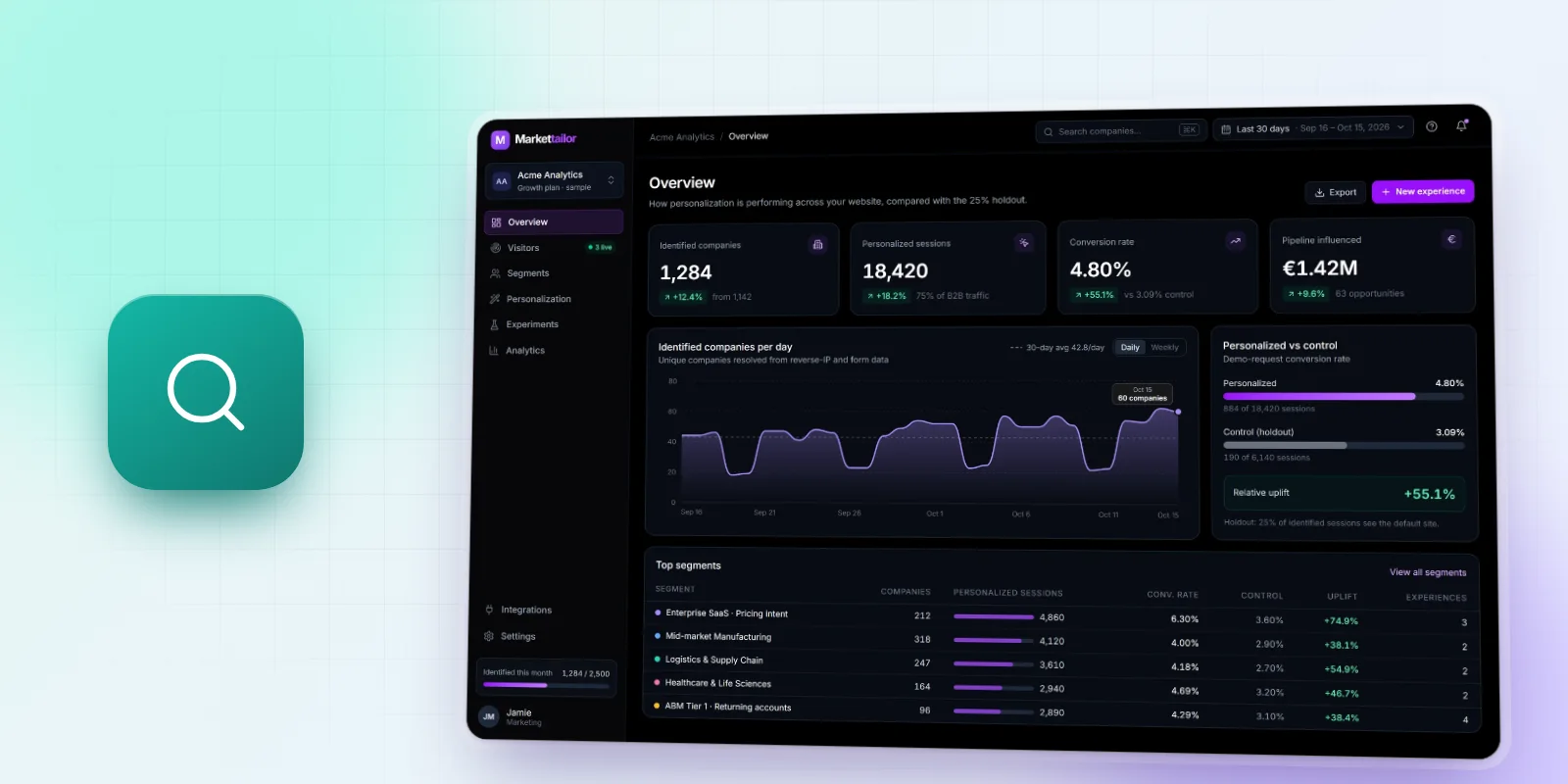
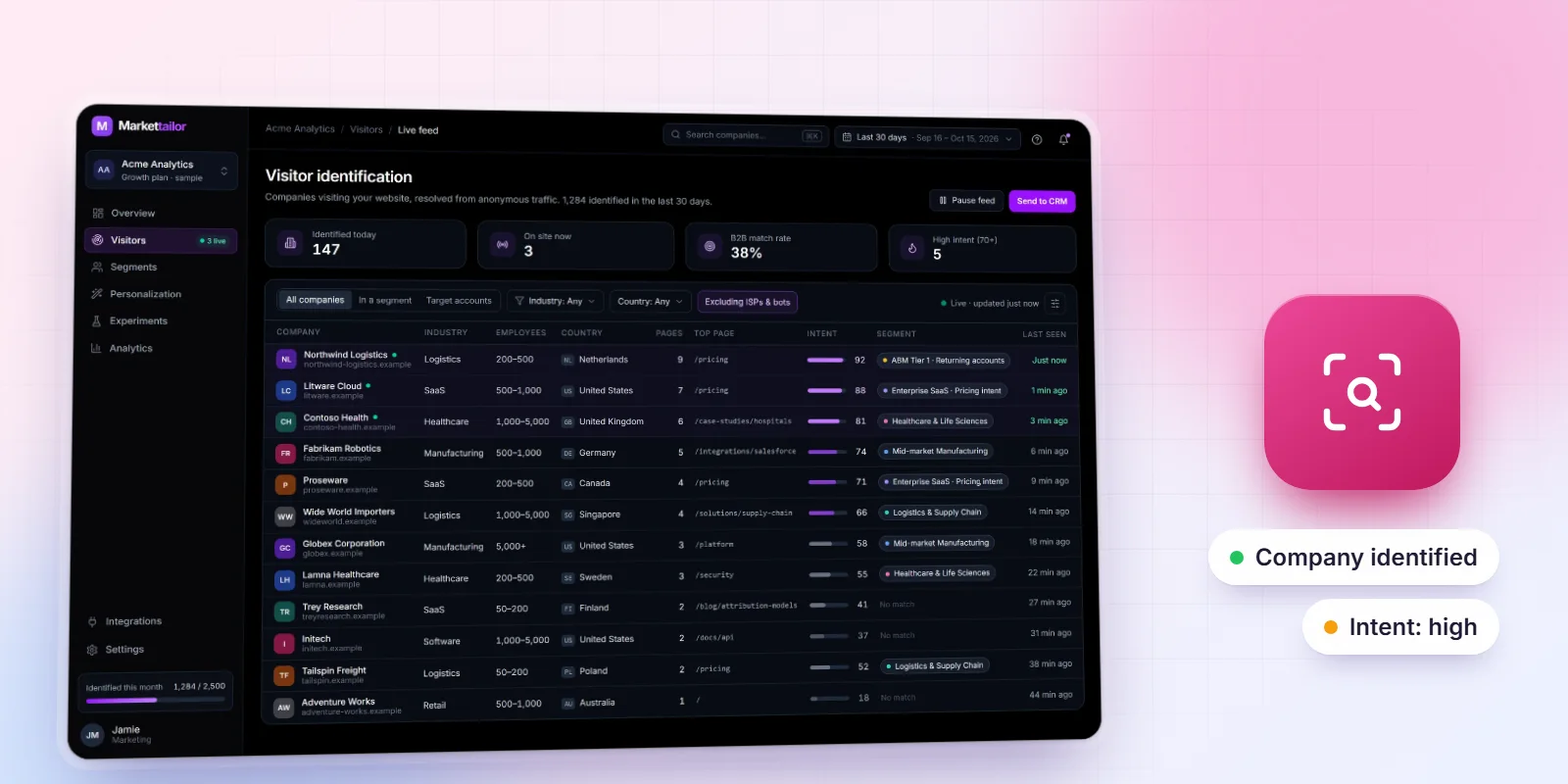
Then add the account layer. GA4 tells you how many sessions came from LinkedIn; it does not tell you which companies they were. Company-level identification matches visits to organizations, so you can see which target accounts came, how many people from each, and which pages they read.

With both layers in place, these are the numbers worth reporting each month:
| Metric | What it tells you |
|---|---|
| Target accounts that visited | Whether the traffic reaches the market you sell to |
| Returning target accounts | Whether interest is building, not just a single click |
| High-intent page visits (pricing, demo, comparison, integrations) | How much of the traffic is evaluating, not just reading |
| Engaged sessions by channel | Which sources bring visitors who actually read |
| Conversions and pipeline by source | Which traffic turns into revenue, measured in your CRM |
Our post on B2B website visitor tracking has an event spec you can copy for the high-intent page events, and our B2B marketing KPI list shows where these rows fit in a leadership report.
Illustrative Example: Less Traffic, Better Traffic
The numbers below are an example, not data from a real company. Suppose a B2B software company with a target list of 2,000 accounts compares two months:
| Month A | Month B | |
|---|---|---|
| Sessions | 12,000 | 9,500 |
| Target accounts that visited | 140 | 210 |
| Target accounts that viewed pricing | 18 | 34 |
In month A a broad blog post went viral, which inflated sessions. In month B the team published three comparison pages and ran LinkedIn ads at the target list. Sessions fell by about a fifth, but 70 more target accounts visited and almost twice as many looked at pricing. A sessions-only report calls month B a decline. An account-level report shows it was the better month for pipeline.
Clean Up Your Traffic Data First
B2B sites have small audiences, so a little noise distorts the numbers. Before you judge any trend:
- Exclude internal traffic. Your own team, agencies and contractors visit the site daily. Define internal traffic by IP in GA4 and filter it out.
- Watch for bots. Sudden spikes of zero-engagement sessions from one city or one source are rarely buyers. Check engagement before you celebrate a spike.
- Treat direct traffic with care. Links shared in Slack, Teams, email and messaging apps often arrive without a referrer, so word of mouth shows up as direct. That is part of the dark funnel, and it is a reason to tag links, not to ignore direct.
- Separate job seekers and customers. Careers pages and login pages can make up a large share of traffic. Report them separately so they do not hide changes in buyer traffic.
Turning Traffic Into Pipeline
More of the right traffic only pays off if the site does something with it. Two steps make the difference. First, know who is visiting: visitor identification shows which companies are on the site so sales can follow up on accounts that are actively researching. Second, show those companies something relevant: account-based website personalization changes headlines, proof points and calls to action for the industry or account that is visiting, so a visit from a target account lands on a page that speaks to it.
Frequently Asked Questions
How do I increase traffic to my B2B website?
Publish pages that answer the questions buyers search for (comparisons, alternatives, how-tos and pricing explainers), refresh pages that already rank on page two, share your content on LinkedIn through real people, send it to your email list, get listed on review sites and partner directories, and run paid campaigns only at target accounts or high-intent searches.
What is a good amount of B2B website traffic?
There is no single number, because it depends on the size of your market. A company selling to 500 enterprises can do well with a few thousand visits a month if many of those accounts visit, while a company selling to small businesses needs far more. Judge traffic by the share of your target accounts that visit and by the pipeline it produces.
How can I see which companies visit my B2B website?
Google Analytics does not show company names. A company-level visitor identification tool matches visits to organizations, usually by IP address, and lists the companies with the pages they viewed. Markettailor does this and also lets you personalize the site for those companies.
Why does my B2B website get traffic but no leads?
Usually because the traffic is the wrong fit (broad content that attracts readers who will never buy) or because the site gives evaluators no clear next step. Check which pages and sources bring target accounts, and make sure pricing, comparison and demo pages are easy to reach from the pages they land on.